
From the first scan to the sip and see
Share your baby's arrival with the people you love
Birth announcement, newborn visits, baby shower, gender reveal and sip and see. You run it all in one app, family opens one link.
Try the editor without an account

Welcome to Hey Mini
A place where you stay calm and family finds everything: the announcement, the wish list and a time to drop by.
- In five languages
- No app for guests
- Never in Google

Why Hey Mini
As calm as it should feel
No group chats full of questions. Everyone sees what they can do and you keep the overview.
Everything in one place, from week 20 to the sip and see Guests need no account or app Private, unless you choose otherwise
Every moment gets its own page
 After the first scan
Pregnancy announcement
Share the news with a page of your own, the due month and a countdown.
 Around week 20
Gender reveal
Family guesses along, you do the reveal. Until then the answer isn't anywhere.
 Around week 32
Baby shower
Invitations, RSVPs and a wish list. As a surprise too.
 The first days
Birth announcement
An announcement with photo and details, in each guest's own language.
 The first weeks
Newborn visits
Part of your birth announcement: set times, rest in between and a button for when it's all a bit much.

Designs and editor
Pick a design, make it yours
Fill in the name, date and photo and see the card take shape as you go. Everything saves while you type, and nobody sees it until you publish.
- Designs for every moment, from invitation to birth announcement
- Add your own photo, or upload a card you designed yourself
- See it the way your guests will, on phone and computer
For family and friends
They open a link and know straight away what they can do
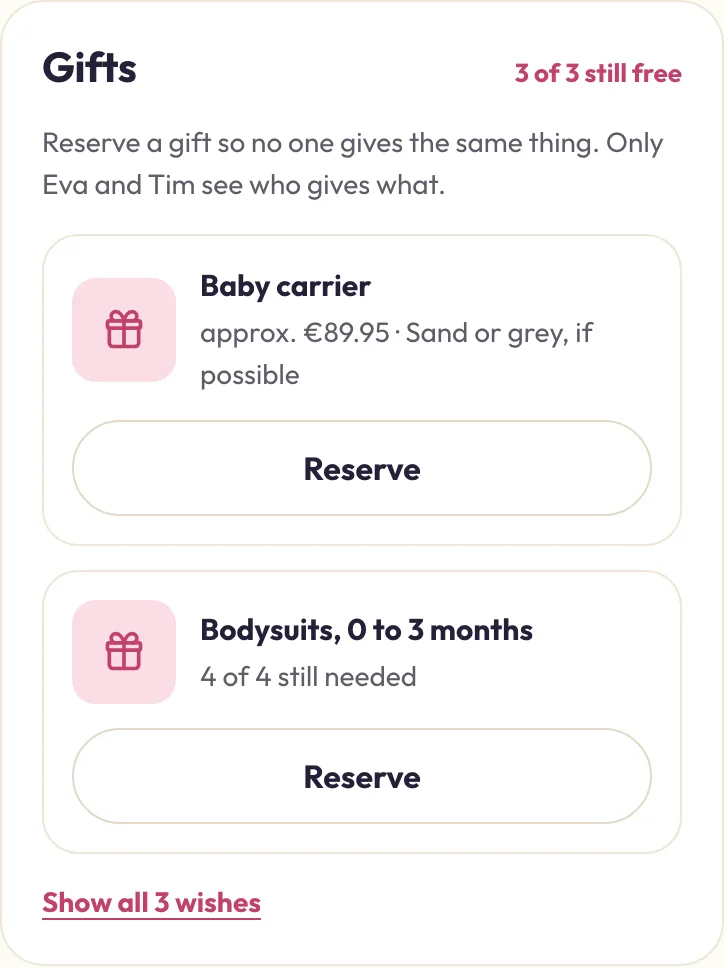
- Picking a giftThey only see what's still needed.
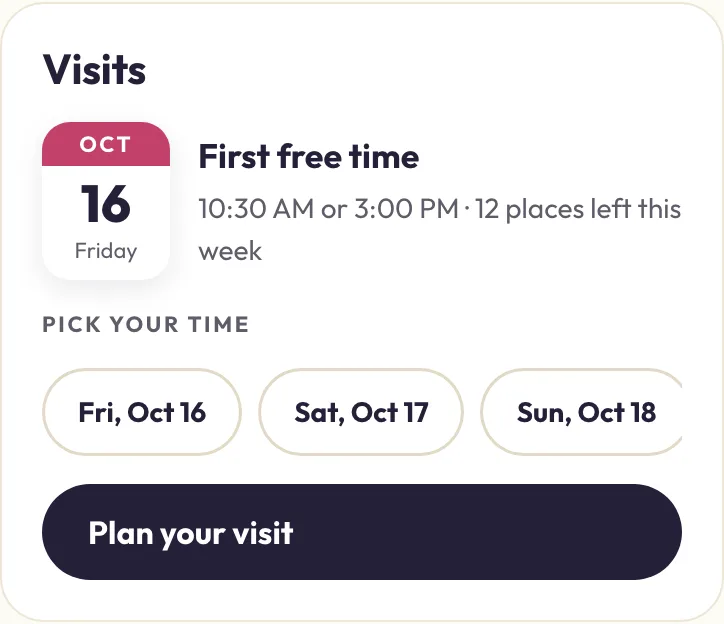
- Dropping byPicking a time that suits you.
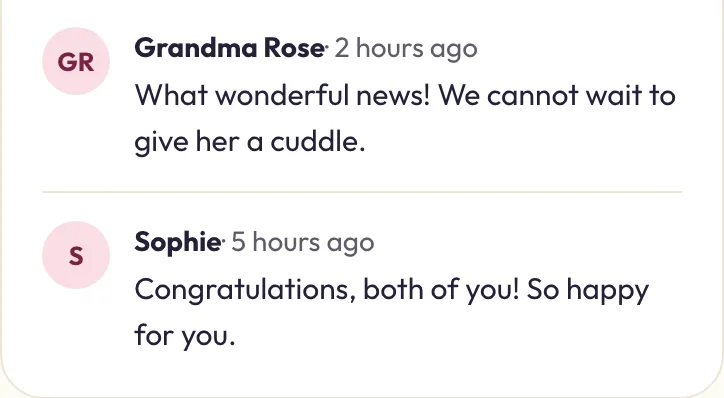
- Sending congratulationsA message for you, shown on the page.


Your timeline
From the first scan to the sip and see
- After the first scan
Pregnancy announcement
Pick a design, add the due date and a nickname, and share the news with one link.
- Countdown to the due date
- Baby pool for family and friends
- A wish list to look at already
- Around week 20
Gender reveal
Invite everyone, collect predictions and put the result online only when you're ready.
- Predictions and the running score
- Result visible only after the reveal
- RSVPs for the party
- Around week 32
Baby shower
Host it yourself or let a friend do it. A surprise stays secret until she hands it over to you.
- RSVPs with dietary needs
- Co-hosts
- Linked to the wish list
- The first days
Birth announcement
Choose a design, add name, date, weight and length, and share it with one link or a QR code.
- Congratulations you can moderate
- An access code if you like
- Photos without location data
- The first weeks
Newborn visits
Guests pick a time that suits you. You decide how many visits a day there are.
- Rest between visits
- Address only after booking
- Rescheduling from the email
- After a few weeks
Sip and see
One afternoon for everyone who hasn't been round yet, with RSVPs and a schedule.
- Who's coming, and with how many
- A schedule by the hour
- Reminders for guests
How to start
- Create an accountIn a minute, with email or Google.
- Choose a momentAn announcement, newborn visits or a party.
- Design and shareChoose a design and share one link.
- Sit backOne summary a day of everything that happened.
Get ready at your own pace
Make your first page today
Get everything ready without paying. When you share, you pay once: Basic €15.00 or Complete €30.00.